The AI-Driven End-to-End AP Automation Solution for SAP Business One
Designed for SAP Business One, Tipalti uses AI to automate AP workflows to cut manual work and move faster with greater accuracy.

Trusted by Mid-Market Leaders




































Seamless Reconciliation with SAP Business One
Automated accounts payable, all in one system—from supplier onboarding and invoice processing to invoice approval and cash flow management.

AI-Powered AP
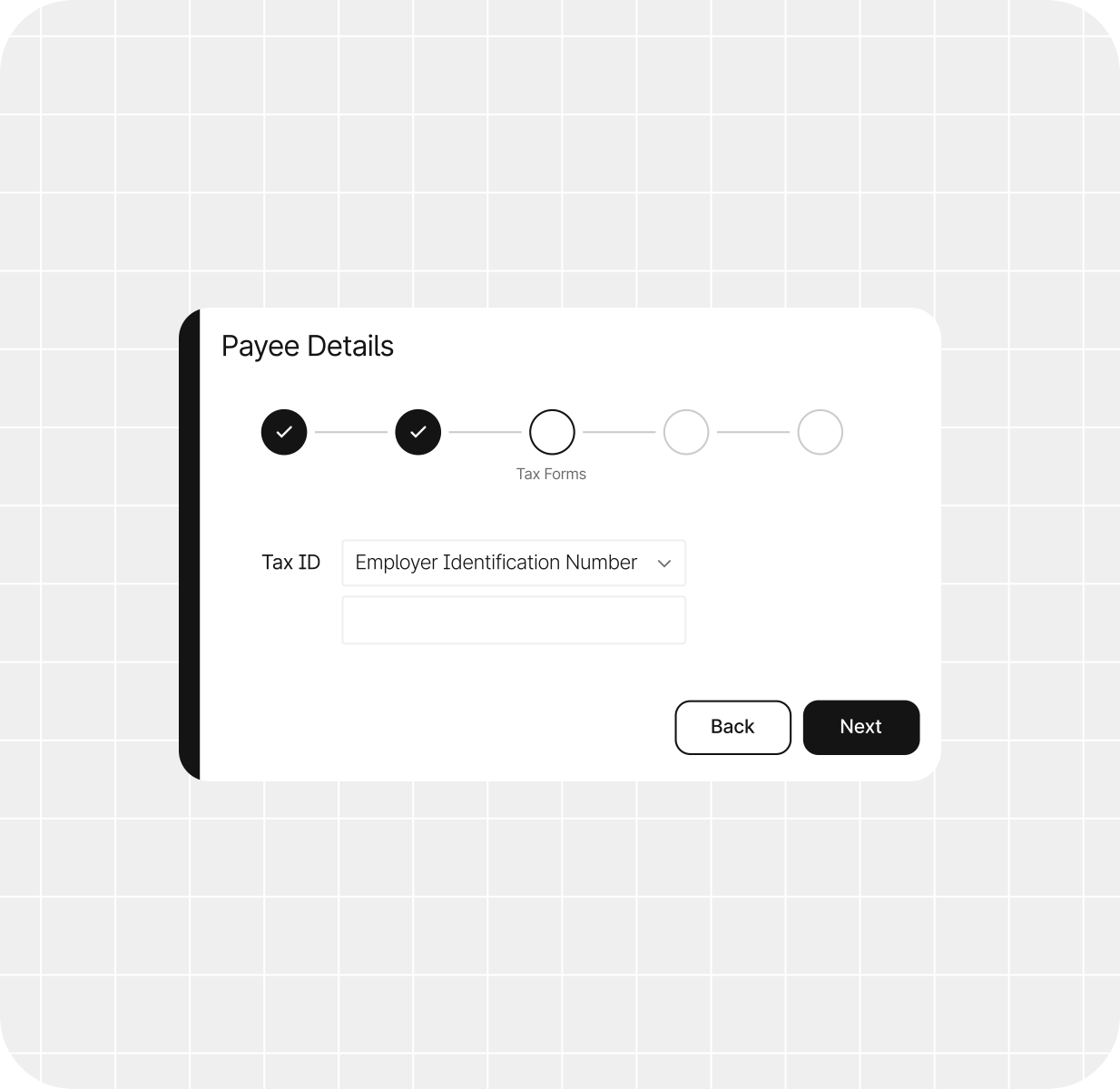
Tipalti AI Assistant and Agents bake efficiency into the payable process by automating invoice capture and coding, invoice approval, vendor invoice capture, and more.

Proven Impact Delivered to Our Customers
Up to
80%
Reduction in time spent
managing AP workflows
Up to
50%
Faster book close
Data derived from Tipalti research and case studies. Results reflect companies upgrading from manual processes.
Real-Time Spend Visibility
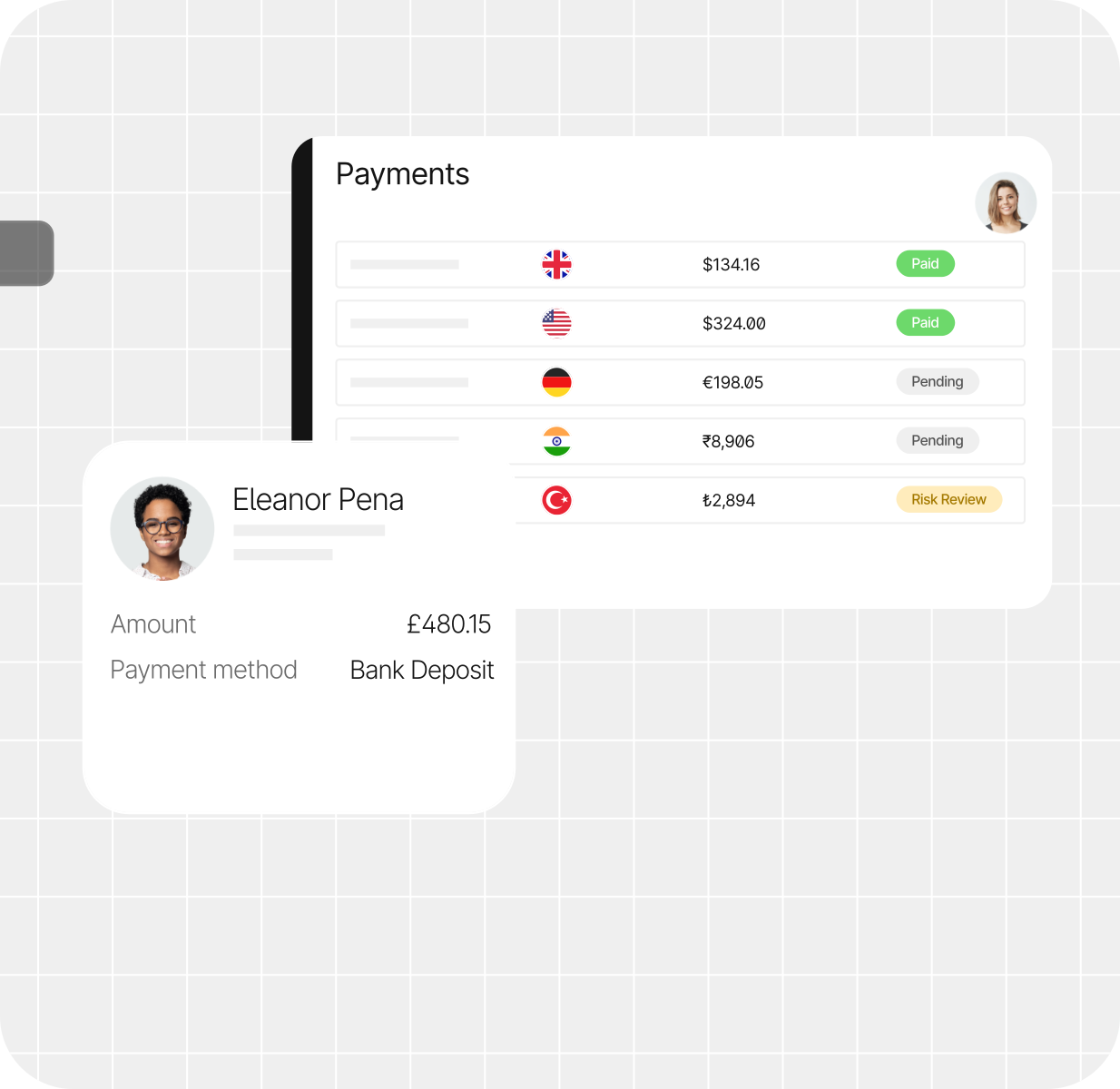
See every payment, entity, and exception clearly and in real time, with the data you need to take action.
Multi-Entity Management
Consolidate spend data across entities into a centralized view to stay on top of approval workflows, cash flow management, and end-to-end financial operations.

Real-Time Reconciliation
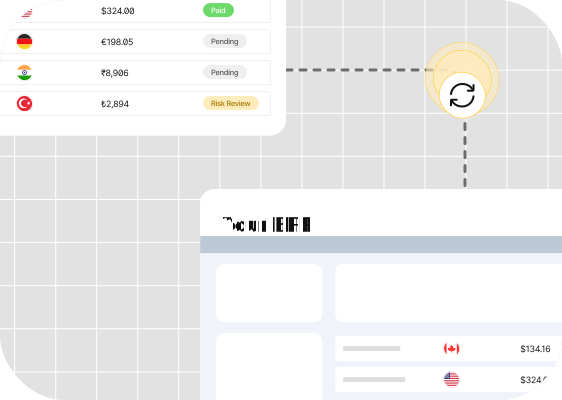
Close your books up to 50% faster by integrating real-time, accurate spend data with your ERP.

AI-Driven Insights and Reporting
Tipalti AI Assistant is your 24/7 expert that connects data points to uncover opportunities and deliver actionable insights for more confident decision-making.

Transacting $100B+ in Annual Global Payments
Tipalti’s global infrastructure scales with you, so you can stay compliant and maintain a robust audit trail.



Built-In Financial and Regulatory Controls
From PO-matching to tax compliance and data security, Tipalti’s AP automation software helps you stay ahead of risk while keeping operations running smoothly.

Automated PO-Matching
Prevent overspending with approval workflows, audit trails, automated two- and three-way PO matching, and centralized entity management.

Built-In Tax Compliance
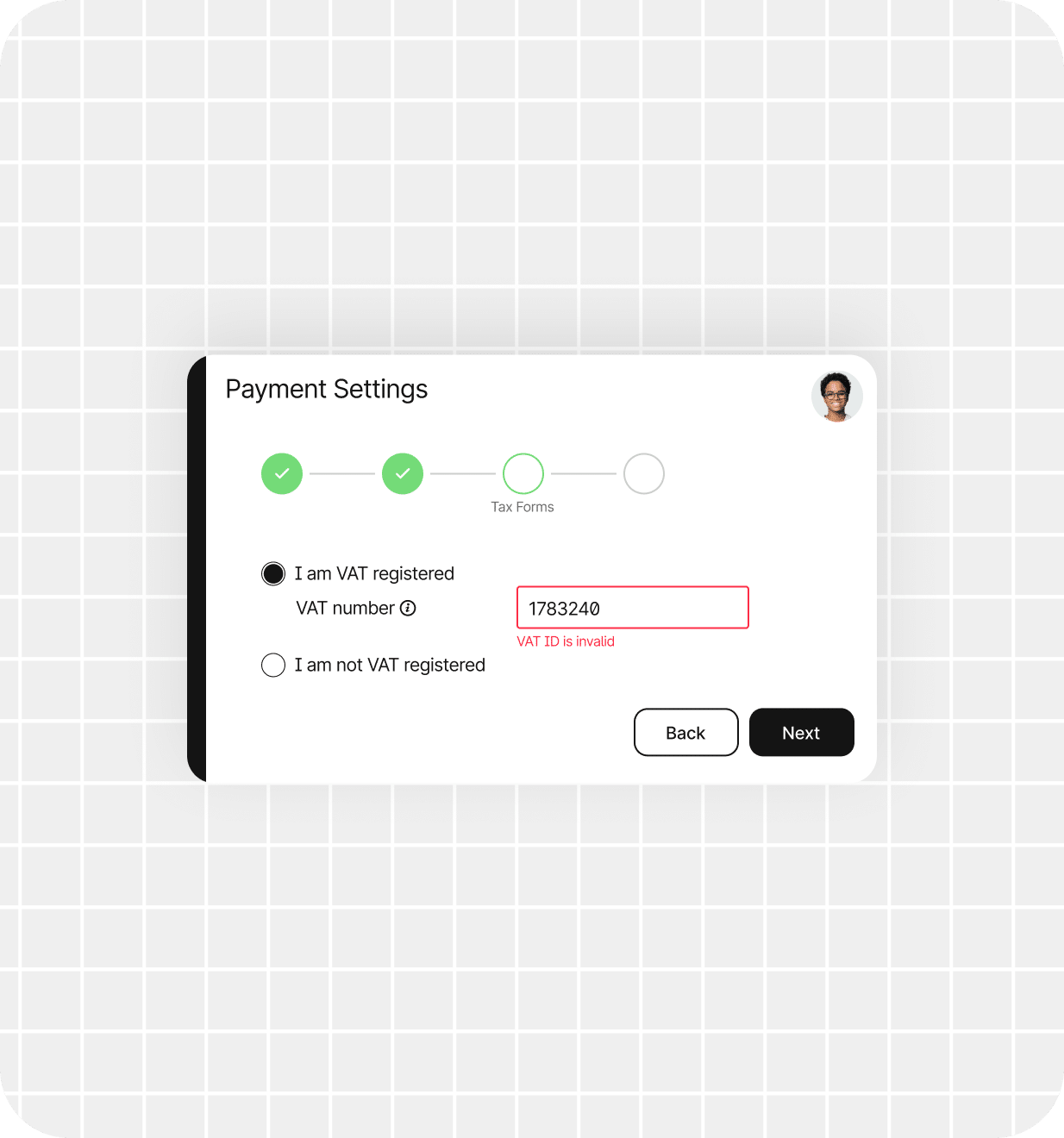
Stay compliant with our KPMG-approved supplier tax automation, global tax ID validation, and streamlined year-end reporting.
Financial Compliance
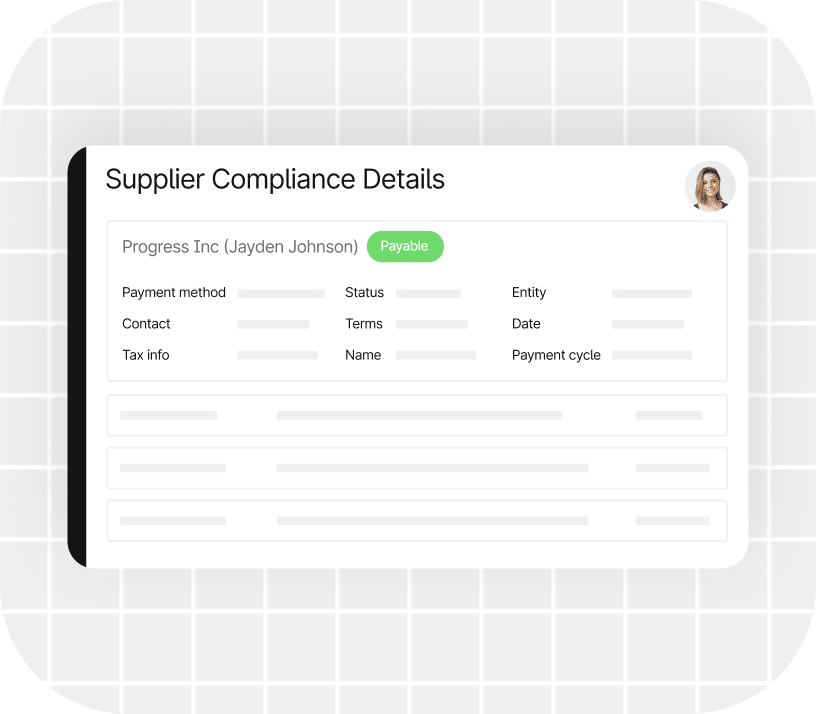
Built-in safeguards to protect customer data and help you stay compliant with regulations, including industry certifications, encryption, access controls, and SSO integration.
Tipalti SAP Business One Customer Testimonials


Thanks to our great SAP Partners!





Extend to Procurement, Expenses and Card
Streamline your financial workflow by integrating Tipalti Procurement, Tipalti Expenses, and Tipalti Card in one platform.
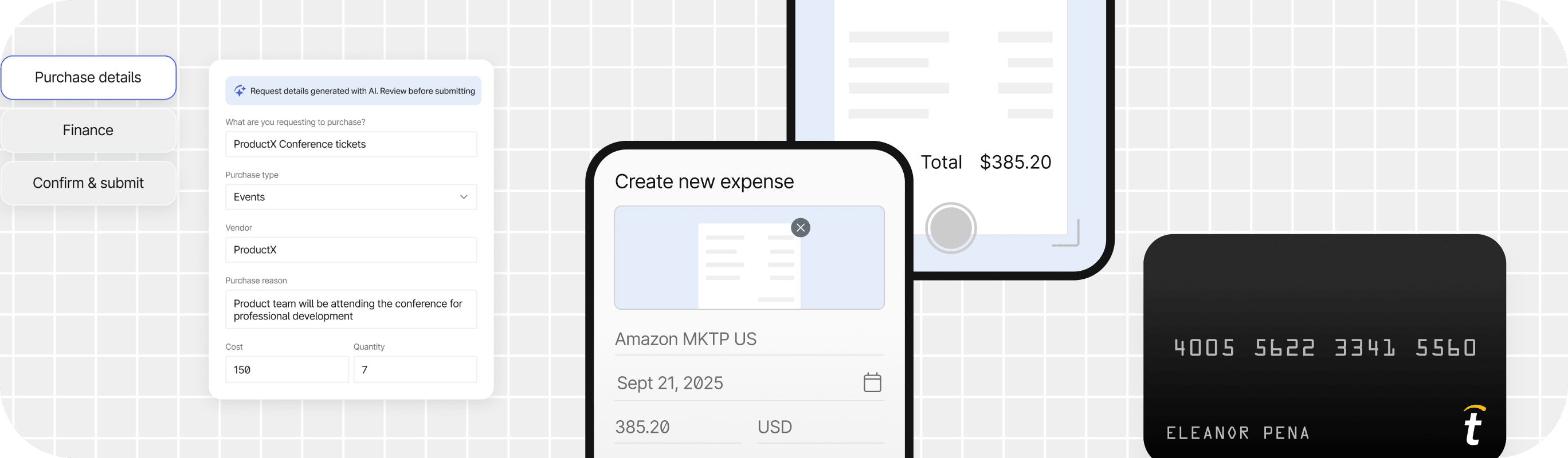
Tipalti Procurement
Automate your entire procure-to-pay process. Unify purchasing and payments within a single platform to unlock end-to-end spend visibility and stronger controls.
Tipalti Expenses
Review, approve, reconcile, and reimburse employee expenses from one platform, so every step of the workflow happens in one place.
Tipalti Card
Use Tipalti Card to pay T&E expenses, pay invoices, and handle online or recurring virtual transactions—all from the same unified platform.
Ready to Get Your Time Back?
Book a demo to get started today and take control of your finance operations with Tipalti.
Recommendations
Access All Insights on SAP Business One

FAQs
Still Have Questions?
What are common SAP Business One integration use cases?
Common SAP Business One integration use cases typically center around streamlining and automating core financial workflows. These include accounts payable (AP) automation, mass payments automation for global payouts (including non-PO), tax compliance, accounts receivable (AR), expense management, corporate card management, and procurement.
By integrating these functions with SAP Business One, businesses can reduce manual work, improve accuracy, and gain better visibility across their financial operations.
How does accounts payable work in SAP Business One?
SAP Business One remains the system of record, while all AP processes and functions are managed in Tipalti and automatically synced back through a seamless, SAP-certified, prebuilt API integration.
Does SAP Business One include built-in AP automation?
SAP Business One includes built-in accounts payable capabilities, such as vendor management, manual invoice processing and data entry, and payment processing.
However, it does not provide fully automated, end-to-end AP automation out of the box, particularly for advanced capabilities such as machine learning/AI-driven invoice capture, OCR, automated approval workflows, and touchless processing.
To achieve full AP automation, businesses typically integrate SAP Business One with specialized AP automation solutions (e.g., Tipalti) that extend SAP Business One’s capabilities and streamline the entire AP lifecycle.
What are the benefits of using cloud-based AP automation with SAP Business One?
Cloud-based AP automation enables seamless integration, eliminates manual processes, and introduces advanced capabilities such as OCR and global payments—all while syncing data back to SAP Business One as the system of record.
This results in greater efficiency, improved accuracy, better cash flow management, and real-time visibility across the entire AP lifecycle. AP automation provides cost savings, improved compliance, and an audit trail.
What type of integration exists between SAP Business One and Tipalti? How do Tipalti and SAP Business One Integrate?
Tipalti offers a prebuilt, SAP-certified integration with SAP Business One, available on the SAP App Center. This integration seamlessly connects your ERP system with Tipalti’s accounts payable automation platform, enabling bi-directional data sync across vendors, invoices, and payments.
Invoices and approvals are managed in Tipalti, then payment and reconciliation data are automatically pushed back into SAP Business One—keeping your ERP up to date without manual entry.
What are the common challenges faced during SAP Business One integration, and how can a company overcome them?
Common challenges include inconsistent data mapping, manual processes during migration, and difficulty keeping financial data synchronized across systems.
These can be addressed by standardizing data structures, leveraging API-based integrations, and using automation to reduce manual entry and errors.
Solutions like Tipalti help streamline implementation and ongoing workflows by automating invoice processing, payments, and reconciliation within SAP Business One.
What Tipalti capabilities are supported by your integration with SAP Business One?
Multi-entity management, multi-currency payments, PO and goods receipt matching, expense management, and tax compliance are all supported through Tipalti’s prebuilt API integration with SAP Business One. The solution is SAP-certified and available on the SAP App Center.
What are the best practices for integrating SAP Business One with other systems?
When integrating SAP Business One with other systems, it’s important to prioritize solutions that are reliable, scalable, and easy to deploy.
One best practice is to look for SAP-certified applications on the SAP App Center, as these are validated for compatibility, security, and performance within the SAP Business One environment.
You should also ensure the solution offers a prebuilt API integration, which reduces implementation time, minimizes risk, and avoids heavy custom development. Choosing certified, pre-integrated solutions, like Tipalti, helps streamline integration, improve data accuracy, and accelerate time-to-value.
How can I automate accounts payable in SAP Business One?
By integrating Tipalti with SAP Business One, businesses gain comprehensive, AI-driven, end-to-end AP automation, from invoice capture and OCR to automated approval workflows and global payments.
How can businesses reduce or eliminate manual invoice entry in SAP Business One?
Businesses can reduce or eliminate manual invoice entry in SAP Business One by using OCR and AI-based invoice capture, automating approval workflows, and integrating AP automation tools such as Tipalti, which syncs invoice data directly into the ERP.
How does OCR invoice scanning work with SAP Business One?
OCR invoice scanning extracts key invoice data from PDFs or images and converts it into structured fields. The data is validated, matched against purchase orders and receipts, and then synced into SAP Business One. Solutions like Tipalti enable this process through automated OCR capture and three-way matching to reduce manual data entry.
What AP automation solutions and third-party add-ons are available for SAP Business One?
A range of AP automation solutions and third-party add-ons extend SAP Business One’s native capabilities to support end-to-end automation.
These include platforms like Tipalti and SAP Concur. They provide functionality such as supplier onboarding, OCR-based invoice capture, automated approvals, two- or three-way PO matching, global payments, and tax compliance.
By integrating with SAP Business One, these tools reduce manual work, improve data accuracy, and increase visibility across the AP lifecycle.
How much does AP automation for SAP Business One cost?
AP automation costs for SAP Business One can vary widely based on factors such as company size, invoice volume, the number of entities, and the level of automation required. Most modern solutions use a subscription-based pricing model with usage-based components, meaning you pay a base platform fee plus costs tied to transactions, features, and scale.
For example, Tipalti’s pricing typically starts at $99–$199 per month for entry tiers, with more advanced or enterprise use cases requiring custom pricing based on complexity and global needs.