

 Back
Back AP Automation for Microsoft Dynamics 365 Business Central
Finance teams on Microsoft Dynamics 365 Business Central get a full AP automation layer with Tipalti—an AppSource-certified solution that connects directly to Business Central. Leverage AI-powered invoice processing, multi-entity workflows, global payments across 200+ countries and territories, and a real-time sync back to sub-ledgers.


Trusted by Mid-Market Leaders





































AP Automation for Business Central That Scales With Your Growth
Tipalti helps Microsoft Dynamics 365 Business Central customers automate complex AP workflows, improve visibility, and manage payables across multiple entities with greater control.
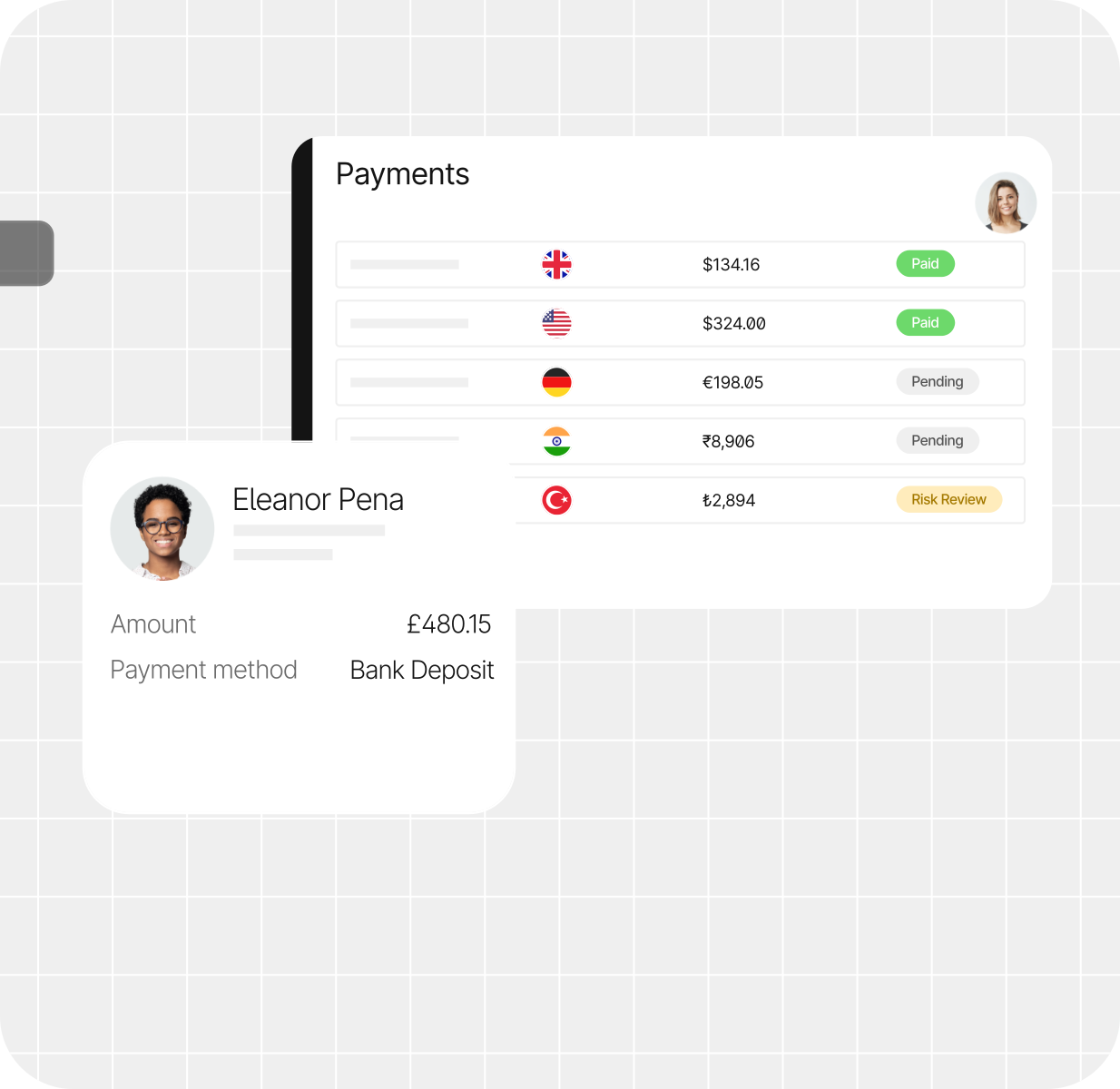


Proven Impact Delivered to Our Customers
Up to
80%
Reduction in time spent
managing AP workflows
Up to
50%
Faster book close
Data derived from Tipalti research and case studies. Results reflect companies upgrading from manual processes.
Seamless Integration with Business Central
Support the processes surrounding every invoice—from requests to supplier setup to approvals—with connected automation for Business Central.
Multi-Entity Management
Consolidate spend data across entities into a centralized view to stay on top of approval workflows, cash flow management, and end-to-end financial operations.

Real-Time Reconciliation
Close your books up to 50% faster by integrating real-time, accurate spend data with your ERP.

Meet Tipalti AI
Put AI to work across AP with intelligent invoice processing, faster approvals, reduced manual review, and insights that help finance teams operate with more speed and control.

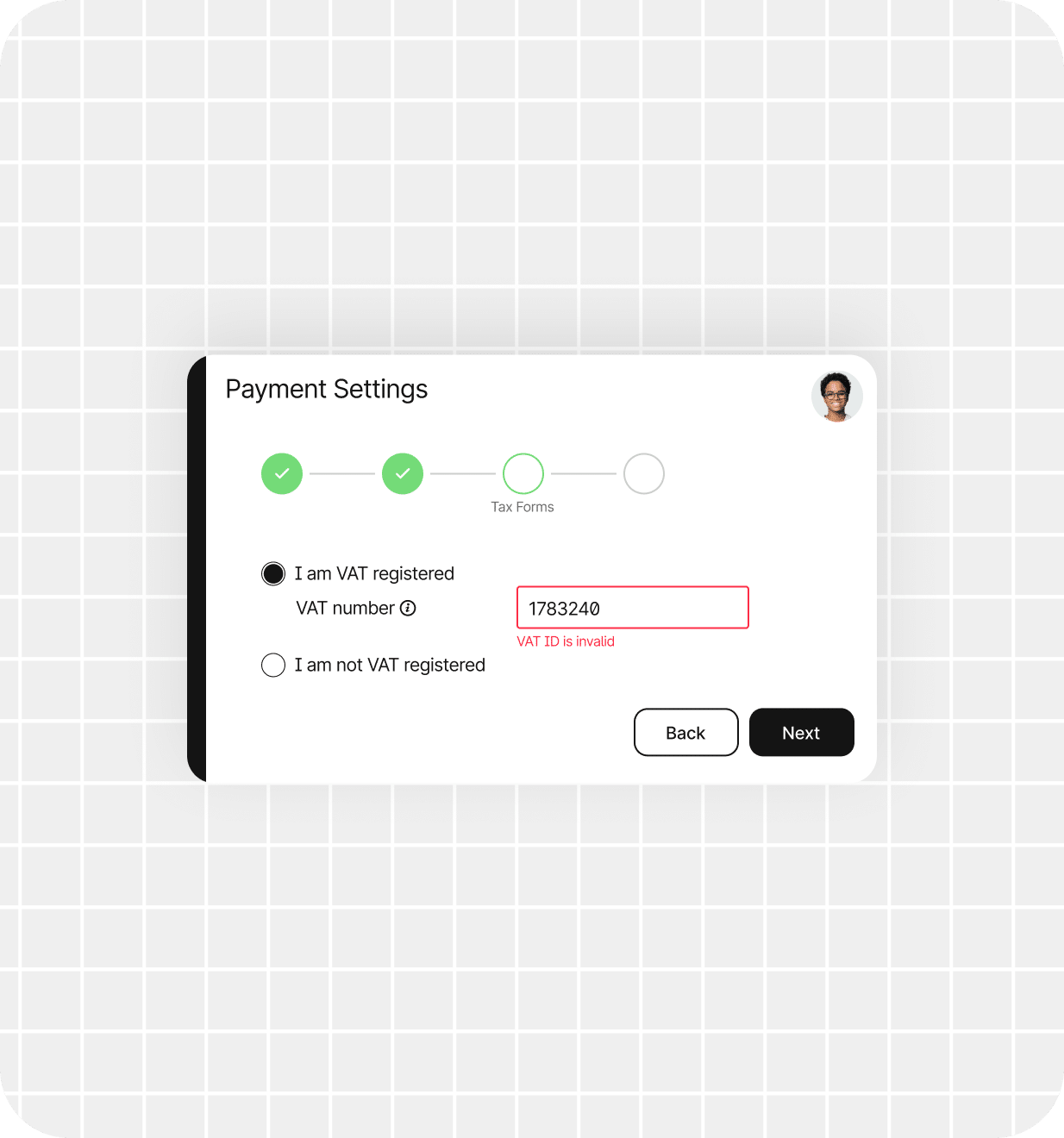
Transacting $90B+ in Annual Global Payments
Tipalti’s global infrastructure scales with you, so you can stay compliant and maintain a robust audit trail.



Industries
Industries Running AP Automation on Microsoft Dynamics 365 Business Central

Nonprofit
Reduce manual work, streamline global payments, and give your team more time to focus on your mission, your programs, and your community.

Manufacturing and Wholesale
Manage global suppliers with greater precision by automating PO matching, multi-currency payments, onboarding, and payment workflows.

Business Services
Simplify supplier onboarding and payments with self-service tools that help your team move faster, reduce admin, and stay in control.

Healthcare
Automate healthcare AP workflows with greater visibility, control, and compliance support—so your team can spend less time chasing invoices.
What Microsoft Dynamics Customers Say About Tipalti

Tipalti’s Microsoft Dynamics 365 Business Central Partners





Extend to Procurement, Expenses and Card
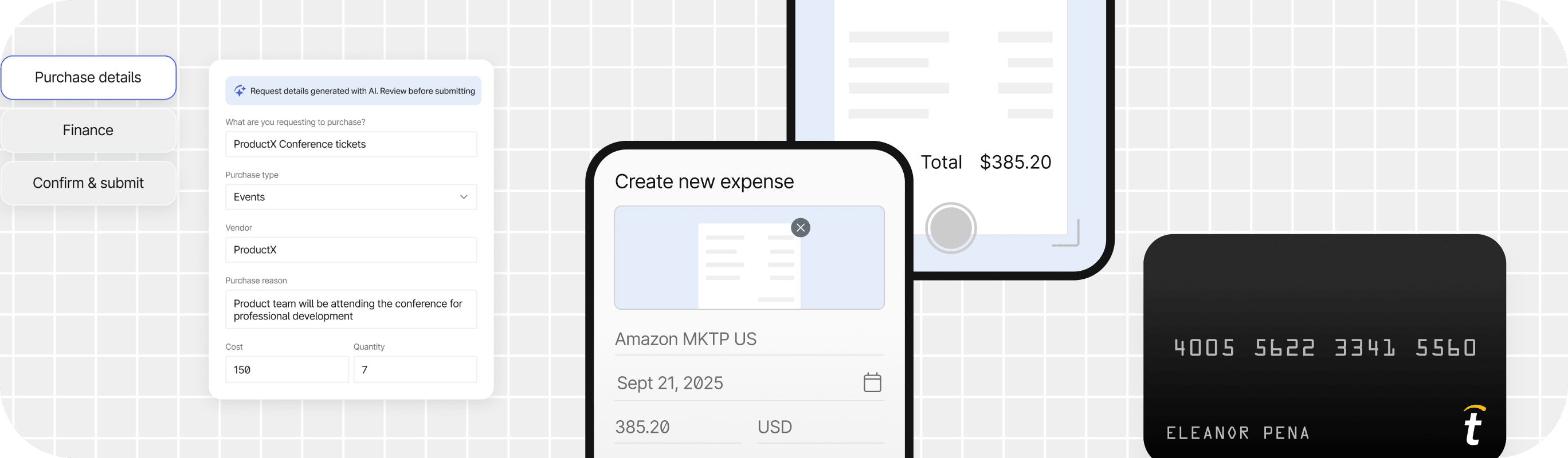
Streamline your financial workflow by integrating Tipalti Procurement, Tipalti Expenses, and Tipalti Card in one platform.
Tipalti Procurement
Automate your entire procure-to-pay process. Unify purchasing and payments within a single platform to unlock end-to-end spend visibility and stronger controls.
Tipalti Expenses
Review, approve, reconcile, and reimburse employee expenses from one platform, so every step of the workflow happens in one place.
Tipalti Card
Use Tipalti Card to pay T&E expenses, pay invoices, and handle online or recurring virtual transactions—all from the same unified platform.
Ready to automate AP inside
Microsoft Business Central?
See how Tipalti adds AI-powered invoice capture, automated approvals, and payments across global entities—directly connected to your Business Central environment.
Recommendations
Access All Insights on
Microsoft Business Central

FAQs
Still Have Questions?
How does Tipalti support multi-entity AP management in Business Central?
Tipalti connects to Microsoft Dynamics 365 Business Central via an AppSource-certified Prebuilt API integration that gives you centralized control with local flexibility. Corporate headquarters sees everything. Each subsidiary operates independently. No separate instances, no duplicate logins, no fragmented reporting.
With multi-entity management powered by Binary Stream, you have entity-specific workflows for supplier onboarding, payments, tax, and approvals while maintaining consolidated visibility.
What is AP automation for Microsoft Dynamics 365 Business Central?
AP automation for Microsoft Dynamics 365 Business Central helps finance teams streamline the entire accounts payable lifecycle, from supplier onboarding and invoice processing to approvals, payments, and reconciliation.
Tipalti’s AppSource Certified integration connects with Business Central through an API-based, two-way sync, helping teams automate AP while keeping Business Central as their financial system of record across multiple entities.
Does Business Central have built-in accounts payable automation?
Microsoft Business Central is a system of record, not an operational engine. It provides vendor ledgers and payment journals and tracks AP transactions, but doesn’t automate them.
If you’re running BC and manually processing invoices, you’re not missing a feature—you’re missing an entire automation layer.
You won’t have automated invoice capture, approval routing, or global payment execution.
How does Tipalti integrate with Microsoft Dynamics 365 Business Central?
Tipalti connects to Microsoft Business Central via an AppSource-certified, direct API-to-API integration—no middleware, no manual exports, no duplicate data entry. Tipalti leverages Binary Stream for true Multi-Entity AP Automation.
How can businesses automate invoice processing in Microsoft Business Central?
Microsoft Business Central doesn’t include native invoice automation. To automate, businesses connect a third-party AP automation platform via Microsoft AppSource or API integration. The platform handles capture, validation, routing, and execution, while BC remains as your financial system of record.
Tipalti connects to Microsoft Business Central via an AppSource-certified, direct API-to-API integration.
What is the difference between Microsoft Business Central's native Payables Agent and a third-party AP automation platform?
Microsoft Business Central’s Payables Agent is a Copilot-powered assistant that suggests actions, such as invoice-to-PO matches, payment proposals, and draft vendor emails. It augments manual workflows, but it doesn’t replace them.
A third-party AP automation platform extends Business Central by automating broader AP processes, including supplier onboarding, invoice capture, approval workflows, payments, compliance, and reconciliation.
Tipalti is one example, providing end-to-end AP automation from supplier onboarding through global payment execution while synchronizing AP and payment data back to Business Central sub-ledgers.
How does OCR invoice scanning work with Microsoft Business Central?
Microsoft Business Central can store and process invoice data, but many organizations use OCR and AI-powered invoice capture software to automatically extract data from invoices and eliminate manual entry.
Tipalti’s Invoice Capture Agent reads invoices in any language and format and syncs the extracted data directly into BC sub-ledgers without manual entry.
How can I automate invoice approval workflows in Business Central?
Invoice approval workflows can be automated by routing invoices to the right approvers, enforcing approval policies, sending reminders, and synchronizing approval activity with Business Central.
Tipalti’s Bill Approvers Agent connects to Business Central and automates the full approval workflow, from intelligent routing through real-time sync back to BC sub-ledgers. What happens automatically:
- AI routes the invoice to the right approver
- Approvers act from email
- Approval tiers enforce controls, so set thresholds once, and the system enforces them
- Reminders and escalation are built-in, including auto reminders
- Unlimited approvers at no extra cost
- Every action is synced back to the BC sub-ledgers in real time
Invoices move faster, controls are tight, and approvals are no longer bottlenecks.
Can Tipalti handle global and cross-border payments for Microsoft Business Central?
Microsoft Business Central tracks payments, but it doesn’t execute them globally. If you’re paying suppliers across borders, BC’s native capabilities end at payment journals and manual bank transfers.
Tipalti adds the global payment engine that BC was never built to include. It’s the only way to execute global payments directly from Microsoft Business Central without managing multiple banking portals.
What are the benefits of automating three-way matching in Microsoft Business Central?
Automating three-way matching helps finance teams reduce manual reconciliation, identify discrepancies faster, prevent overpayments, and strengthen purchasing controls by matching invoices against purchase orders and receipts.
Tipalti adds automated 2-way and 3-way PO matching to Microsoft Business Central, matching invoices against purchase orders and receipts at both the header and line levels with configurable tolerance thresholds.
Microsoft Business Central tracks POs and receipts, but doesn’t automatically match them to invoices.
How does AP automation reduce manual invoice entry in Business Central?
AP automation reduces manual invoice entry by leveraging OCR and AI to extract invoice data, including supplier information, amounts, line items, GL codes, tax details, and PO references.
Tipalti’s Invoice Capture Agent eliminates that work by automatically reading invoices and syncing the extracted data directly into BC sub-ledgers.
What AP automation add-ons and third-party solutions are available for Business Central?
Microsoft Business Central can be extended with a variety of AP automation solutions, ranging from invoice capture and approval workflow tools to full-service accounts payable platforms that automate supplier onboarding, invoice processing, payments, compliance, and reconciliation.
Tipalti is an AppSource-certified, end-to-end AP automation platform with direct AP integration for Microsoft Business Central.
It covers supplier onboarding, AI invoice capture (145+ languages), PO matching, approval routing, global payments (200+ countries, 120 currencies, 50+ methods), compliance (KPMG-approved tax engine, KYC/AML, OFAC screening), and real-time reconciliation back to BC sub-ledgers.
Tipalti supports multi-entity AP management through Binary Stream and extends beyond AP to Procurement, Expenses, and Cards at no extra cost.
How does Tipalti’s Business Central integration support companies as they scale?
Microsoft Business Central is a great ERP for growing companies, but growth adds entities, currencies, suppliers, and invoice volume: BC doesn’t automatically scale AP workflows.
Tipalti’s AppSource Certified integration grows with you without requiring new tools, new instances, or new headcount at every milestone.
Tipalti’s fully integrated API-based integration for Microsoft Business Central is designed to scale without architectural changes or platform swaps.